
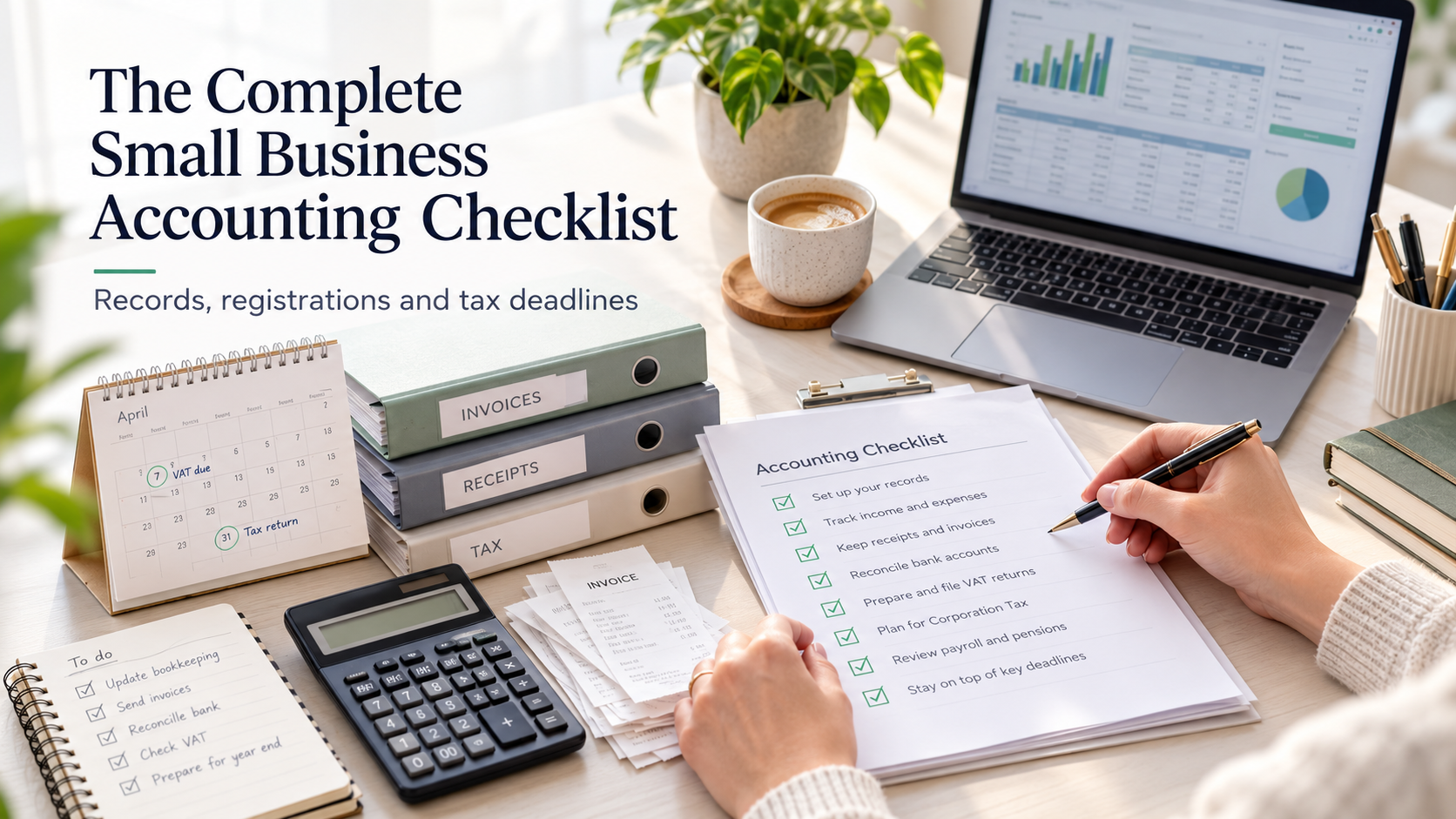
The Complete Small Business Accounting Checklist
A practical accounting checklist for UK small business owners. From registering your business and keeping accurate financial records to managing VAT, payroll, tax returns and filing deadlines, this guide covers the essential accounting responsibilities for sole traders, partnerships and limited companies.
7 MIN READ | SMALL BUSINESS GUIDES
Your practical guide to accounting records, registrations, tax returns and important deadlines
Running a small business means juggling many responsibilities. Alongside looking after customers, managing suppliers and growing your business, there are accounting, tax and record-keeping requirements that need regular attention.
Whether you're starting a new business or have been trading for years, knowing what needs to be done — and when — can help you stay organised, avoid penalties and make better financial decisions.
At Craigerne Accountancy, we've created this practical checklist to help small business owners understand their key accounting and tax responsibilities.
You don't necessarily need to do everything yourself, but it's important to understand what your business is responsible for.
Who is this guide for?
This guide is designed for UK small business owners, including:
Sole traders and self-employed individuals
Partnerships
Limited companies
Tradespeople and contractors
Consultants, freelancers and professional service businesses
Independent retailers and other small businesses
Not every requirement applies to every business. Your obligations will depend on your business structure, turnover, activities and whether you employ staff.
Do you own rental property?
Landlords and property investors have some different accounting and tax responsibilities, including the treatment of rental income, mortgage interest, allowable expenses and property disposals.
We cover these separately in our Complete Landlord Accounting and Tax Checklist.
If you operate a business and also receive rental income, both guides may be relevant.
Part 1: Getting started — registrations and setup
When starting a business, there are several important decisions and registrations to consider.
Use this checklist to make sure you have the foundations in place.
1. Choose your business structure
Decide whether to operate as a sole trader, partnership or limited company.
Understand the tax and reporting obligations of your chosen structure.
Consider whether your business structure remains appropriate as the business grows.
A sole trader operates a business personally, whereas a limited company is a separate legal entity with its own reporting responsibilities.
Neither structure is automatically better. The right choice depends on factors including profitability, risk, administration and how you intend to take money from the business.
2. Register your business
Sole trader: Check whether you need to register for Self Assessment with HMRC.
Partnership: Register the partnership and arrange the necessary partner tax registrations.
Limited company: Incorporate the company with Companies House.
Limited company: Ensure HMRC is notified when the company becomes active for Corporation Tax.
Check whether any industry-specific registrations or licences are required.
Sole traders generally need to register for Self Assessment if gross trading income exceeds £1,000 in a tax year, although other circumstances may also trigger a filing requirement.
Where registration for Self Assessment is required, the usual deadline for notifying HMRC is 5 October following the relevant tax year.
3. Set up your finances
Open a dedicated business bank account.
Choose how you will issue invoices and collect payments.
Set up an accounting or bookkeeping system.
Establish a method for keeping receipts and supporting documents.
Consider setting aside money regularly for future tax bills.
Decide whether you need professional accounting or bookkeeping support.
For limited companies, keeping company funds separate from personal funds is particularly important.
A separate business account is also strongly recommended for sole traders, even where it is not legally required.
Craigerne tip: Good accounting habits are much easier to establish at the beginning than to introduce after several years of trading.
4. Check VAT and payroll requirements
Determine whether VAT registration is required.
Consider whether voluntary VAT registration may be beneficial.
Register for PAYE if required before paying employees or directors.
Check workplace pension obligations if you employ staff.
Consider whether Making Tax Digital affects your business.
The compulsory VAT registration threshold is currently £90,000 of taxable turnover, generally assessed over a rolling 12-month period. A separate test applies where taxable turnover is expected to exceed the threshold in the next 30 days alone.
Part 2: Keeping the right accounting records
Accurate financial records are one of the most important parts of running a business.
They help you calculate tax correctly, understand business performance and provide supporting evidence if HMRC requests information.
1. Keep records of business income
Sales invoices issued to customers
Payments received from customers
Cash sales and receipts
Credit notes and refunds
Other business income
Outstanding customer balances
Make sure you can identify what income relates to, when it arose and whether the customer has paid.
2. Keep records of business expenditure
Supplier invoices and receipts
Materials and stock purchases
Rent, utilities and premises costs
Business insurance
Software and subscriptions
Marketing and advertising costs
Vehicle and travel costs
Professional fees
Equipment and other asset purchases
Staff wages and related costs
Remember that not every business payment is automatically tax deductible.
Some expenses may be restricted, partly private or treated as capital expenditure.
3. Maintain other important financial records
Depending on your business, you should also retain:
Business bank and credit card statements
Loan agreements and repayment schedules
Stock and inventory records
Records of assets owned by the business
VAT records, where applicable
Payroll and pension records
Records of money introduced or withdrawn by owners
Director's loan account records, where applicable
Dividend documentation for limited companies
How long should you keep your records?
For self-employed individuals, records generally need to be retained for at least five years after the 31 January Self Assessment filing deadline for the relevant tax year.
Limited companies generally need to retain accounting records for six years from the end of the relevant financial year.
Longer retention periods may apply in some circumstances.
Craigerne tip: Use a consistent digital filing system and capture receipts when expenses occur. A photograph or digital copy is often much easier to locate than a paper receipt several years later.
Part 3: Weekly and monthly accounting tasks
Many accounting problems arise not because business owners fail to understand their obligations, but because bookkeeping is left until the year-end.
A simple routine can help prevent this.
1. Weekly bookkeeping checklist
Issue invoices for work completed.
Record customer payments received.
Record new business expenses.
Save receipts and purchase invoices.
Check outstanding invoices and chase overdue customers.
Keep cash transactions up to date.
For a business with relatively few transactions, these tasks may only take a short time each week.
2. Monthly accounting checklist
Reconcile bank accounts with your bookkeeping records.
Check customer and supplier balances.
Review monthly income and expenses.
Monitor cash flow and upcoming payments.
Review profitability.
Set aside money for tax liabilities.
Check turnover against the VAT threshold.
Review payroll, pension and PAYE obligations where applicable.
Check for any upcoming filing or payment deadlines.
Business owners should also keep an eye on whether the business is making a profit, not simply whether there is money in the bank.
A healthy bank balance does not necessarily mean that all future tax bills and other liabilities have been provided for.
Part 4: VAT and Making Tax Digital
1. VAT responsibilities
VAT registration brings additional bookkeeping and reporting responsibilities.
If your business is VAT registered:
Issue invoices with the required VAT information.
Record VAT charged on sales.
Record recoverable VAT on purchases.
Maintain the required digital records.
Use Making Tax Digital-compatible software.
Submit VAT Returns when due.
Pay VAT owed to HMRC by the relevant deadline.
Review whether your chosen VAT scheme remains appropriate.
Most VAT-registered businesses submit VAT Returns quarterly.
The usual filing and payment deadline is one calendar month and seven days after the VAT accounting period ends.
Even if no VAT is payable, a VAT Return will normally still be required.
2. Making Tax Digital for Income Tax
Making Tax Digital (MTD) is changing the way many sole traders and landlords report income and expenses to HMRC.
Rather than relying solely on an annual process, affected individuals must maintain digital records using compatible software and submit quarterly updates, alongside their annual tax return.
When does MTD apply?
Start date / Qualifying income:
6 April 2026: Over £50,000
6 April 2027: Over £30,000
6 April 2028: Over £20,000
Qualifying income generally means gross income from self-employment and property combined, before expenses, assessed using the relevant earlier tax return.
If MTD applies to you:
Confirm your start date.
Choose suitable compatible software.
Arrange the necessary HMRC sign-up.
Maintain digital income and expenditure records.
Submit quarterly updates by the applicable deadlines.
Complete your annual tax return.
MTD for Income Tax applies to qualifying individuals, not directly to limited companies simply because they have a similar turnover.
Craigerne tip: If your business is approaching the relevant MTD threshold, reviewing your bookkeeping system before the rules apply can make the transition considerably easier. Refer to our MTD Guide for more information.
Part 5: Annual responsibilities for sole traders and partnerships
1. Sole trader annual checklist
Sole traders normally report their business income and expenses through Self Assessment.
Ensure income and expense records are complete.
Calculate annual business profit or loss.
Review allowable business expenses and tax reliefs.
Prepare and submit your Self Assessment tax return.
Check your Income Tax and National Insurance liability.
Make any required payments on account.
Review whether your business needs to comply with MTD.
Important Self Assessment dates
Deadline / Requirement:
5 October: Register or notify HMRC where required for the preceding tax year
31 January: Online Self Assessment return deadline and balancing tax payment
31 July: Second payment on account, where applicable
For example, the online tax return for the 2025/26 tax year is normally due by 31 January 2027.
Payments on account can sometimes be unexpected for new business owners, particularly when paying their first substantial Self Assessment tax bill.
Understanding these payments in advance can help avoid cash-flow difficulties. Refer to our Self-Assessment Guide for more information.
2. Partnership annual checklist
Partnerships have additional reporting requirements.
Maintain the partnership's financial records.
Prepare annual partnership accounts.
Calculate the allocation of profits or losses between partners.
Submit the partnership tax return where required.
Ensure individual partners include their share of partnership income on their own tax returns.
Review any relevant VAT, payroll and other obligations.
Different rules can apply to limited liability partnerships.
Part 6: Annual responsibilities for limited companies
Limited companies have separate legal and financial reporting responsibilities.
Even where an accountant prepares the documents, company directors remain responsible for ensuring the company's statutory obligations are met.
1. Limited company annual checklist
Prepare annual statutory accounts.
File annual accounts with Companies House.
Prepare and submit the Corporation Tax Return (CT600).
Calculate and pay Corporation Tax.
File the annual confirmation statement.
Keep company details and statutory registers up to date.
Meet applicable Companies House identity verification requirements.
Review directors' salaries, dividends and loan accounts.
Ensure dividend decisions and documentation are properly recorded.
Review VAT, PAYE and pension obligations.
Check whether individual directors have personal tax return obligations.
2. Key limited company deadlines
For most established private limited companies:
Requirement / Usual deadline:
Annual accounts: 9 months after the financial year-end
Corporation Tax payment: 9 months and 1 day after the relevant accounting period
Corporation Tax Return: 12 months after the relevant accounting period
Confirmation statement: At least annually, normally within 14 days after the review period
First accounts, some larger Corporation Tax liabilities and certain other circumstances may be subject to different deadlines.
A confirmation statement is generally required even where no company details have changed.
Craigerne tip: Corporation Tax payment and filing deadlines are different. You may need to pay the tax before the return itself is due.
Part 7: Payroll and employees
Employing staff adds further accounting and reporting responsibilities.
1. Employer checklist
Register for PAYE where required.
Maintain employee information and payroll records.
Calculate wages, PAYE and National Insurance.
Submit payroll information to HMRC under Real Time Information (RTI).
Pay PAYE and National Insurance by the appropriate deadlines.
Assess workplace pension automatic enrolment obligations.
Pay employer pension contributions where required.
Provide employee payslips.
Complete relevant year-end payroll reporting.
Check statutory payment, minimum wage and other employment requirements.
Some owner-managed limited companies operate payroll for directors even when they have no other employees.
The specific PAYE and workplace pension requirements will depend on individual circumstances.
Part 8: Other obligations worth checking
Depending on your business activities, further registrations or reporting requirements may apply.
Construction Industry Scheme (CIS)
Business insurance and employers' liability insurance
Data protection and ICO requirements
Business rates for commercial premises
Industry-specific licences and registrations
Import and export requirements
Tax implications of business vehicles, assets and financing
Tax treatment of benefits provided to directors and employees
This is not an exhaustive list, but it highlights areas that can sometimes be overlooked.
Part 9: Your small business accounting calendar
The following summary brings together the main routines covered in this guide.
When / What to check:
When starting: Business structure, HMRC registration, bank account, bookkeeping and VAT/PAYE requirements
Weekly: Sales invoices, payments, expenses and receipts
Monthly: Bank reconciliation, cash flow, outstanding invoices, bookkeeping and payroll
Quarterly: VAT Returns and MTD updates where applicable; profit and tax reviews
Annually: Accounts, tax returns, tax payments, confirmation statements and other statutory requirements
Not every business will have quarterly or annual obligations under every category. Your particular deadlines should be recorded in a calendar and reviewed regularly.
Part 10: When should you use an accountant?
Some small business owners are happy to manage their everyday bookkeeping themselves.
However, there is a difference between recording transactions and ensuring the business meets all its accounting and tax obligations.
An accountant can help you:
Understand which registrations and returns are required.
Prepare annual accounts and tax returns.
Stay on top of deadlines.
Identify available tax reliefs and allowable expenses.
Manage VAT, payroll and Making Tax Digital.
Understand business profitability and cash flow.
Plan for upcoming tax liabilities.
Review whether your business structure remains appropriate.
Professional support can be particularly useful when starting a business, becoming VAT registered, employing staff, forming a limited company or experiencing significant growth.
How Craigerne Accountancy can help
Craigerne Accountancy is based in Peebles and provides accounting and tax services to small businesses across the Scottish Borders.
As ICAS Chartered Accountants, we understand that most business owners would rather spend their time running their business than worrying about accounting paperwork and tax deadlines.
We offer a range of services, including:
Annual accounts and Corporation Tax
Self Assessment tax returns
VAT Returns and advice
Bookkeeping and cloud accounting
Payroll
Making Tax Digital support
Business accounting and tax advice
Our approach is straightforward: practical advice, personal service and transparent fixed-fee pricing.
Need help with your small business accounts?
Whether you're starting a business, looking for help with your annual accounts or simply want reassurance that your accounting obligations are being met, we'd be happy to help.
Contact Craigerne Accountancy to discuss your requirements.
Last reviewed: October 2026.
This guide provides general information on UK accounting and tax requirements. Requirements and deadlines may vary according to business circumstances, and legislation can change. The guide should not be treated as a substitute for professional advice specific to your business.
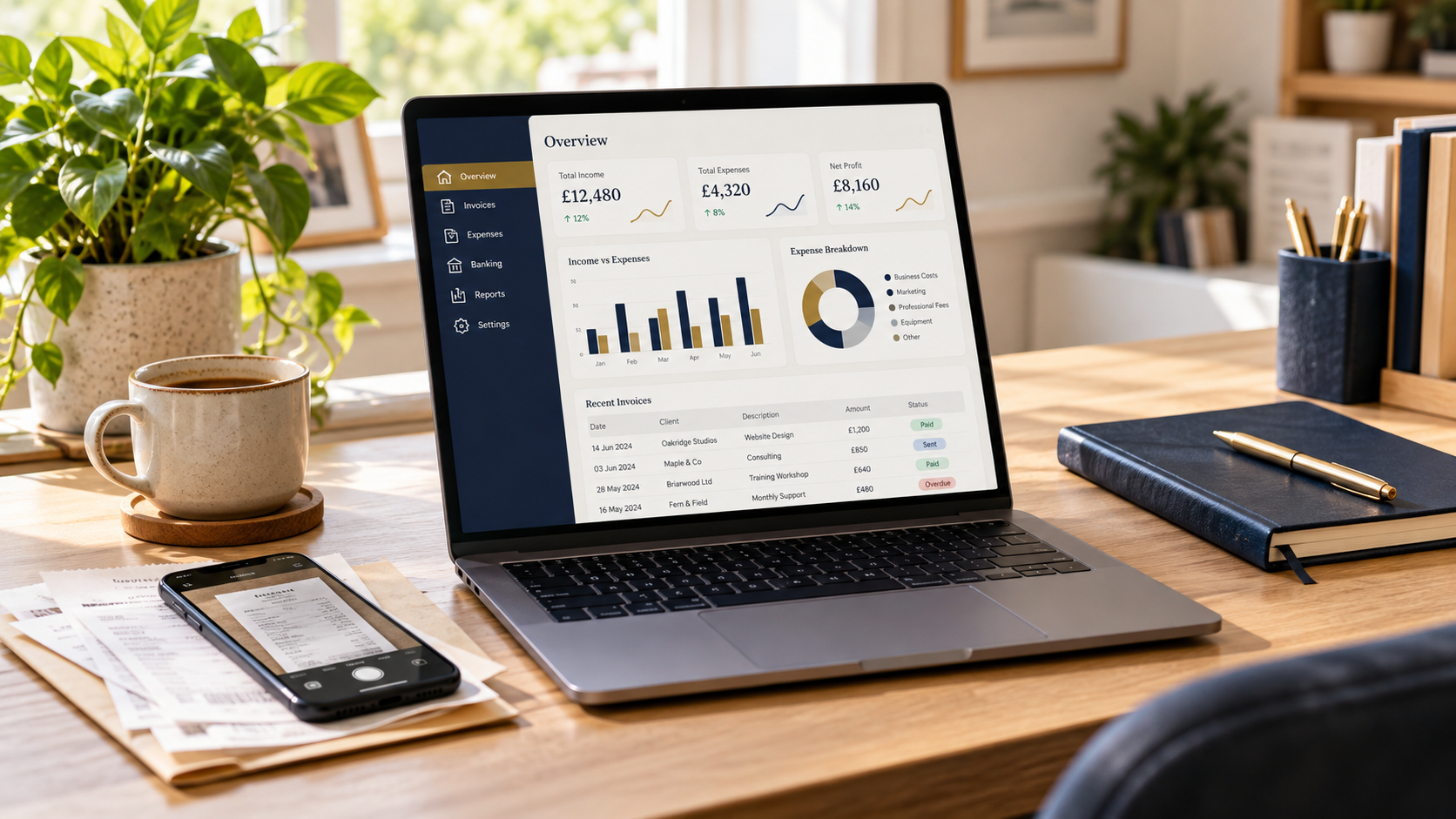
Accounting Software for Small Businesses Explained
Can accounting software make bookkeeping easier, prepare your tax return and reduce accountancy fees? We explain what to expect and how Craigerne Accountancy can help.
7 MIN READ | BOOKKEEPING & SOFTWARE
Accounting software can make it easier to keep on top of your business finances. It can reduce paperwork, save repeated typing and help you see what you are earning, spending and owed.
But how much does it actually do? Can it prepare your accounts and tax return? And will you still need an accountant?
This guide explains what to expect, what to check before subscribing and how Craigerne Accountancy can help you get started.
What can accounting software do
Most cloud accounting packages let you work through a web browser, with a mobile app for certain everyday tasks. Depending on the package and subscription, useful features include:
Bank feeds: import transactions from supported bank accounts.
Invoices: create and send invoices, track unpaid amounts and send reminders.
Receipts and expenses: upload documents or photograph receipts, with some tools extracting the details.
Bookkeeping: organise income and spending into categories and match payments to invoices.
Reports: show business income, costs and profit, plus money customers owe you.
Tax tools: help with estimates, VAT or other submissions where supported.
These features can reduce the amount of information you enter more than once. Availability, limits and extra charges vary, so check the specific plan.
Is it easy to use
You do not need to become an accountant to handle the everyday tasks. The aim is to learn a few useful routines: sending an invoice, uploading a receipt and checking what a bank transaction relates to.
There is still a learning curve, particularly at the start. Correct opening figures, sensible categories and the right settings make a difference.
At Craigerne Accountancy, we can help you set up your software and show you how to use the features relevant to your business. You can start with the basics and build confidence as you go.
Does it really make bookkeeping easier
It can, especially if you currently type transactions into a spreadsheet or sort through receipts at the end of the year.
For example, you might photograph a supplier receipt when you buy something, then match it to the payment when it appears through the bank feed. Keeping the document and transaction together makes them easier to find later.
However, imported transactions and suggested categories still need checking. A loan paid into your bank account should not be treated as sales income, and personal spending should not simply be recorded as a business expense.
Software reduces repetitive work, but the records still need to reflect what actually happened. A short, regular bookkeeping routine helps prevent a backlog.
Can it prepare my accounts and do the filings
Some packages can handle parts of this process, but bookkeeping, preparing annual accounts and filing tax returns are different functions.
Software can turn your bookkeeping records into reports showing income, expenses and profit. Those records provide the starting point for preparing your annual accounts and tax returns, reducing the need to enter the same information again.
Depending on the product and the features you subscribe to, it may also support submitting VAT returns, personal tax returns or company accounts and Corporation Tax returns to HMRC and Companies House. Some functions are built in, while others need an add-on or your accountant’s professional software. We can help you establish what is included and what additional support you need.
The key is to distinguish a report generated from your records from a completed set of accounts or a return that is ready to file. Missing transactions, the treatment of equipment purchases and expenses that are not allowable for tax can all affect the final figures.
Before filing, someone still needs to check that the records are complete and that any necessary accounting and tax adjustments have been made. At Craigerne Accountancy, we can agree who handles the bookkeeping, who reviews the figures and who prepares and submits each return.
Does it link to my Self Assessment
It can, but check exactly what the product supports.
It can help connect the two. Your bookkeeping records provide the business income and expense figures needed for your tax return, reducing repeated data entry. The exact process depends on whether you are within Making Tax Digital and which software you use.
Some filing tools are designed for accountants, while others can be used directly by business owners. Buying a bookkeeping subscription does not necessarily give you everything needed to complete your personal tax return. We can explain the appropriate route for your circumstances.
Your business records may only cover part of your tax position. Employment income, savings interest, dividends, property income and other relevant details may also need to be included. A business profit figure on a dashboard is not necessarily your final taxable profit or personal tax bill.
Craigerne Accountancy can help bring the information together and check that the chosen filing route covers your circumstances.
Can software automate Making Tax Digital filings
Yes, some software can automate submissions as well as prepare the figures.
Compatible software can use your bookkeeping records to prepare quarterly updates and support the annual tax submission, reducing manual entry. You or your accountant can manage the filing process through the appropriate software.
Automatic preparation is different from automatic submission. Some providers go further: FreeAgent, for example, can schedule quarterly submissions once configured. This does not extend to its year-end submissions. The available automation depends on the provider and settings.
The process should be agreed in advance: who keeps the records up to date, who checks them, whether approval is required before submission and who checks that HMRC has accepted it. An automated submission can still contain incomplete or incorrectly categorised information.
We can help configure a suitable process and explain which parts your chosen software automates.
If Making Tax Digital for Income Tax applies to you, compatible software is needed to maintain digital records, send quarterly updates and submit your annual tax return. Quarterly updates are summaries of business income and expenses, not separate tax returns.
You may use one suitable product or a combination of compatible tools. Spreadsheets can still play a role when connected through appropriate bridging software. The software must support the income sources and submissions you need. HMRC’s software guidance explains what to check.
We can help you check what applies to you and choose a workable approach. Our Making Tax Digital guide explains the wider requirements.
Could it reduce my accountancy fees
Possibly, if it reduces the work involved. Doing the everyday bookkeeping yourself can reduce the work you need to pay an accountant or bookkeeper to do. Complete, well-organised records can also help avoid additional charges for missing paperwork, correcting entries or reconstructing the books.
That principle applies whoever prepares your accounts. It does not guarantee that every accountant will reduce a fixed fee or include all support at no extra cost.
However, buying software does not automatically reduce your fees. The overall cost also depends on:
How much bookkeeping you do yourself.
The quality and completeness of your records.
The accounts, tax returns and advice you need.
Software subscriptions, setup, training and any ongoing support.
Poorly maintained software records can still take time to put right. The sensible comparison is the combined cost of software and professional support, alongside the time it saves you.
At Craigerne Accountancy, we can discuss the division of work and explain what is included in your fee before you commit.
Can Craigerne Accountancy access the software and help me
Yes. With your permission, Craigerne Accountancy can have a separate accountant or administrator login, where supported, with access appropriate to the work you have agreed.
A practical arrangement is for you to handle the core day-to-day work: raise invoices, upload receipts and check incoming bank transactions. Craigerne Accountancy can help you learn the process, resolve queries and review the records at agreed intervals.
Because you work from the same records, Craigerne Accountancy can look at the transaction you are asking about and help put it right. The aim is to build your confidence and maintain cleaner books throughout the year, reducing the amount of sorting out needed later.
You should use the software’s invitation and permissions settings rather than share your personal password. Software access and authorisation to act for you with HMRC are separate arrangements.
Access also does not mean someone is continuously monitoring your records. We would agree how often reviews take place and which tasks each of us will handle.
Which software providers are available and how much do they cost
Xero, FreeAgent, QuickBooks and Sage are among the options available, alongside other accounting packages and specialist tools. There is no single best choice for every business.
Many packages charge a monthly or annual subscription, with the cost depending on the features, number of users and level of functionality. Some providers offer free or lower-cost options for simpler needs, and software may sometimes be included with a qualifying business bank account.
Look beyond an introductory discount and consider the ongoing cost, VAT and any extras for payroll, receipt processing or tax filing. A lower-priced plan may be enough for a straightforward business, while more complex requirements can justify a fuller package.
Craigerne Accountancy can help you compare suitable providers and choose a package that fits your business, budget and confidence with technology. If you already use software, we can first discuss whether it meets your needs before recommending a change.
We can help you choose suitable software or make better use of the package you already have. Our advice is guided by what suits your business.
How do I choose the right package
Start with what your business needs. Consider your business structure, transaction volume, invoicing, VAT, payroll, stock and any other systems you use. Check that the software supports your bank and the filing requirements relevant to you.
Compare the ongoing subscription price as well as any introductory discount. Ask whether receipt processing, extra users, payroll, tax filings or other features cost more.
A trial can help you judge whether the everyday tasks feel manageable. It is also worth checking how you can export your records if you later change provider.
We can help you assess suitable options before you subscribe, so you pay for the features you need.
Can I keep using spreadsheets or switch from another system
The right approach depends on your reporting obligations and how you prefer to work. A simple spreadsheet may still suit some businesses, although applicable digital filing rules must be met.
If you are moving to new software, you do not necessarily need to re-enter every historic transaction. The amount to transfer depends on the changeover date, reporting needs and what the new system can import. Opening balances, unpaid invoices and outstanding bills need particular care.
We can help plan the changeover and check the starting figures, while making sure the records you need remain accessible.
How Craigerne Accountancy can help
At Craigerne Accountancy, we combine software certification with strong practical experience across a range of accounting packages. We can help you choose a suitable system, get set up and confidently manage your day-to-day bookkeeping.
We support small businesses in Peebles and the Scottish Borders, whether you are starting from scratch or looking to improve your existing bookkeeping routine.
Our aim is to get you comfortable with the everyday tasks, with professional support available where you need it. You remain involved in your finances while giving your accountant clearer, better-organised records.
Depending on the support you need, we can:
Help you choose a suitable package and subscription.
Set up your business details, opening figures and bookkeeping categories.
Help connect supported bank feeds and establish receipt and invoicing routines.
Show you how to handle the everyday tasks.
Use agreed accountant access to answer questions and help resolve problems.
Review your records and prepare accounts and tax submissions within your agreed service.
You may want to do most of the bookkeeping yourself, share the work with us or ask for more ongoing support. We can discuss an arrangement that suits your business and confidence with technology.
Thinking about accounting software, or already paying for a package you are struggling to use? Get in touch with Craigerne Accountancy to discuss your options and request a free quote.